Verified Source
Fully open source under AGPL-3.0, with public code and a notarized macOS build.
- Public source (GitHub)
- AGPL-3.0 licensed
- macOS notarized (CrabNebula)
- Official domain cap.so
Open-source screen recorder, local-first
Cap Software, Inc. · Creative
Rating
—
No public ratings yet
Trust
7/9
of nine checks verified · Jul 19, 2026
Platforms
2
macOS, Windows (beta), Linux (.deb)
Licence
AGPL-3.0
Creative
Independently checked by Altapp where possible; developer-reported data is labeled as such. Last full review: Jul 19, 2026.
Fully open source under AGPL-3.0, with public code and a notarized macOS build.
Local-first by design — Studio Mode recordings stay on your device until you choose to share.
A few honest caveats around beta platforms, cloud features and audit history.
Verification reflects the version listed above. Practices may change between releases. How we verify ›
Our verdict: an open-source, local-first screen recorder — Studio Mode recordings stay on your machine until you choose to share, making it a genuine self-hostable alternative to Loom, Screen Studio and TrackShot, with cloud sharing gated behind an optional Cap Pro account.
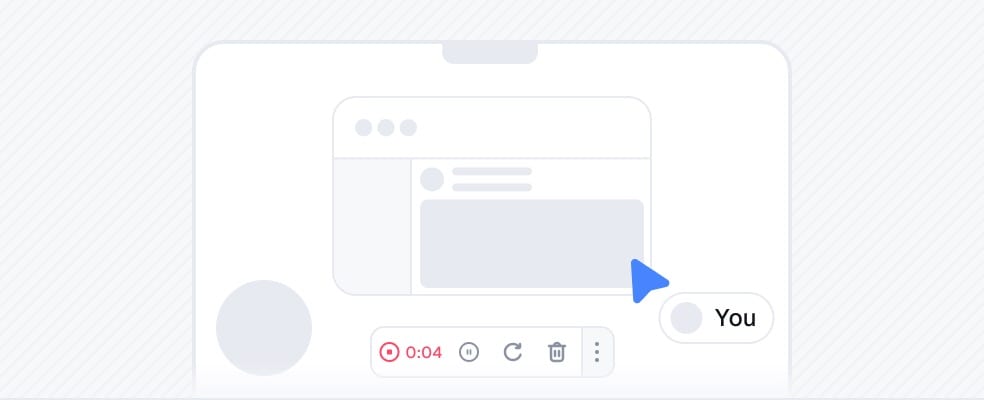
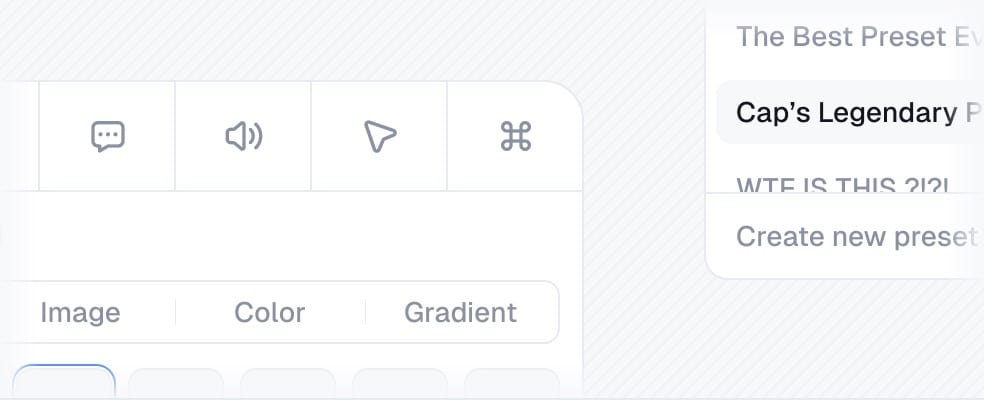
Cap is an open-source screen recorder for macOS, Windows (beta) and Linux, positioned as an alternative to Loom, Screen Studio and TrackShot. It offers two workflows: Instant Mode for one-click recording with an instant shareable link, and Studio Mode for local 4K/60fps capture with a timeline editor, automatic zoom and custom backgrounds.
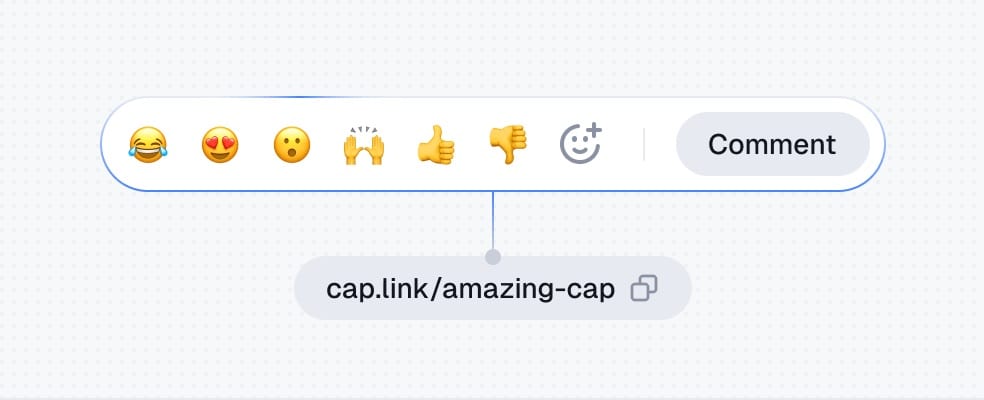
Studio Mode records and edits entirely on-device — nothing leaves your machine until you choose to share. Cloud sharing through Instant Mode and Cap Pro features require an account, though you can point Cap at your own S3 bucket or self-host to keep ownership of your data. The Windows build is still in beta and may trigger SmartScreen warnings. Free use caps shareable clips at five minutes; Pro is $8.16/user/mo billed annually ($12 monthly), with a $29/yr desktop-only license.
Automatic cursor zoom for polished demos
Choose Screen Studio if
you want the most refined automatic polish and will pay a subscription.
Screen recorder with automatic cursor zoom
Choose TrackShot if
you'd rather pay once and want a built-in teleprompter (launching soon).
Screen recording and editing for Mac
Choose ScreenFlow if
you need a deep, professional timeline editor for longer videos.
No reviews yet — be the first.
Loading…
Yes — the pricing listed at our last review is “Free · open source · Pro from $8.16/mo”.
Altapp's independent Trust Report (last full review Jul 19, 2026) records 7/9 of nine checks verified, covering source verification, data & permissions, and known risks. Altapp publishes no score or grade of its own — the count is a tally of what could be independently confirmed, and verification reflects the version listed on this page.
macOS 13.1+ · Windows (beta) · Linux (.deb).
Screen Studio, TrackShot, ScreenFlow — each with its own verified Trust Report on Altapp. See the full list ›
Developers: get the Altapp Verified badge ›