
Photopea iconPhotopeaGet
Photopea icon

Photopea

Photoshop-grade editing in your browser

Ivan Kutskir · Creative

CheckedFree · Premium $5/mo
Get — Official Source

Link verified · points to the developer’s official site

See 2 alternatives ›

Rating

4.5

112 · Community

Trust

6/9

checks passed · Jul 17, 2026

Platforms

1

Any modern browser, Chrome, Firefox, Safari, Edge

Chart

#3

Creative

Trust Report

See Details ›

Independently checked by Altapp where possible; developer-reported data is labeled as such. Last full review: Jul 17, 2026.

Verified Source

Photopea ships as a web app from a single official domain, so there is no installer to checksum — trust rests on the domain and the developer's public track record.

  • Served exclusively from photopea.com over HTTPS — no binaries, so no code signing, notarization or checksums apply
  • Developer identity is public: Ivan Kutskir (Prague), sole maintainer since the 2013 launch
  • Source code is proprietary; the official GitHub repository is an issue tracker only, not the source
  • Official blog documents each release (latest major: 5.6, April 2024), giving a verifiable version history

Data & Permissions

The app runs inside the browser sandbox with no OS-level permissions, and official documentation commits to local-only file processing.

  • No installation and no OS permissions — limited to the standard browser sandbox
  • Official docs state files are processed on your device and never uploaded unless you choose to save online
  • Free tier displays third-party ads, the main external exposure; Premium ($5/mo) removes them
  • No mobile or desktop package exists, so no Exodus Privacy tracker report is applicable; accounts are optional

Known Risks

No public vulnerability entries were found for Photopea, but the closed, single-maintainer model limits independent verification.

  • No Photopea-specific CVE entries found in public vulnerability databases at review time
  • No published independent security audit; local-processing claims cannot be fully verified against closed source
  • Single-developer project: development is active and consistent, but continuity depends on one person
  • Optional AI features (e.g. background removal) call third-party APIs and send the selected image data out

Verification reflects the version listed above. Practices may change between releases. How we verify ›

Our verdict: the most capable install-free Photoshop alternative on the web — files stay on your device, though the code itself remains closed to independent review.

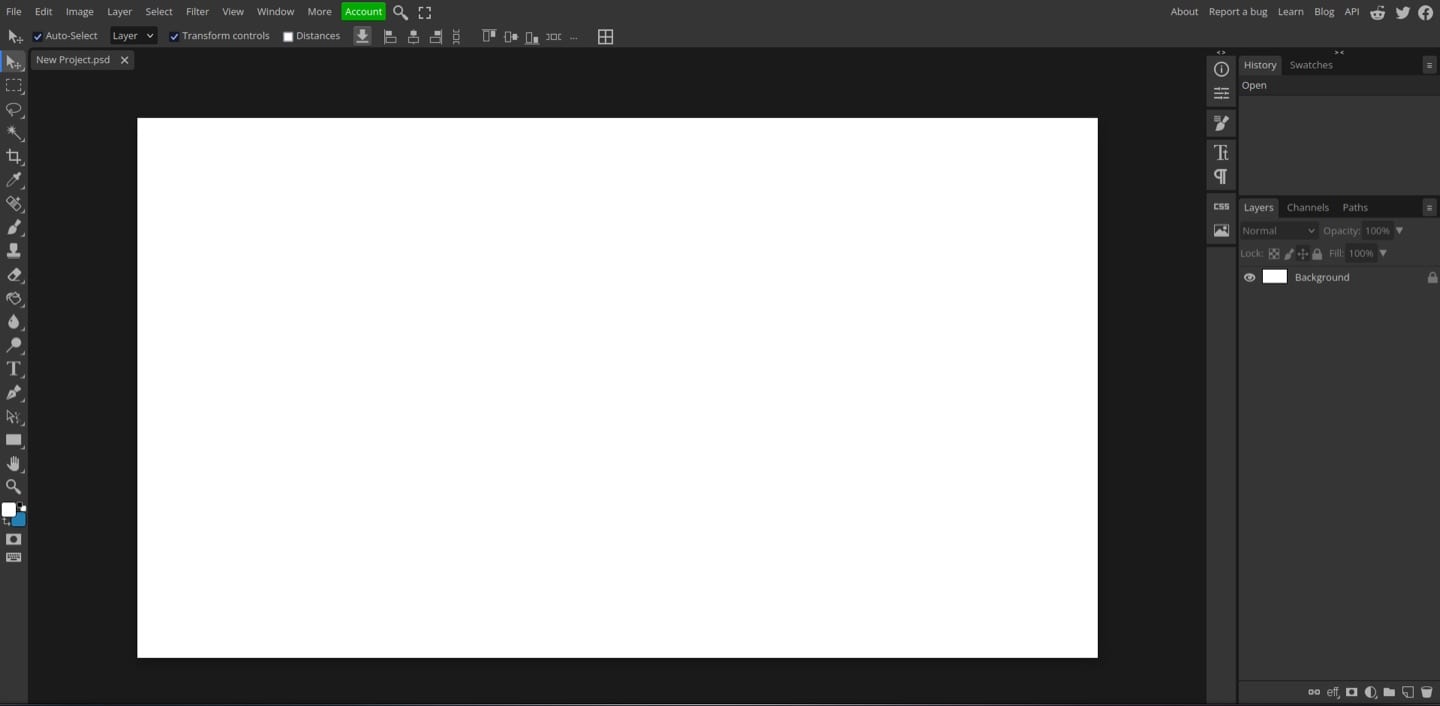
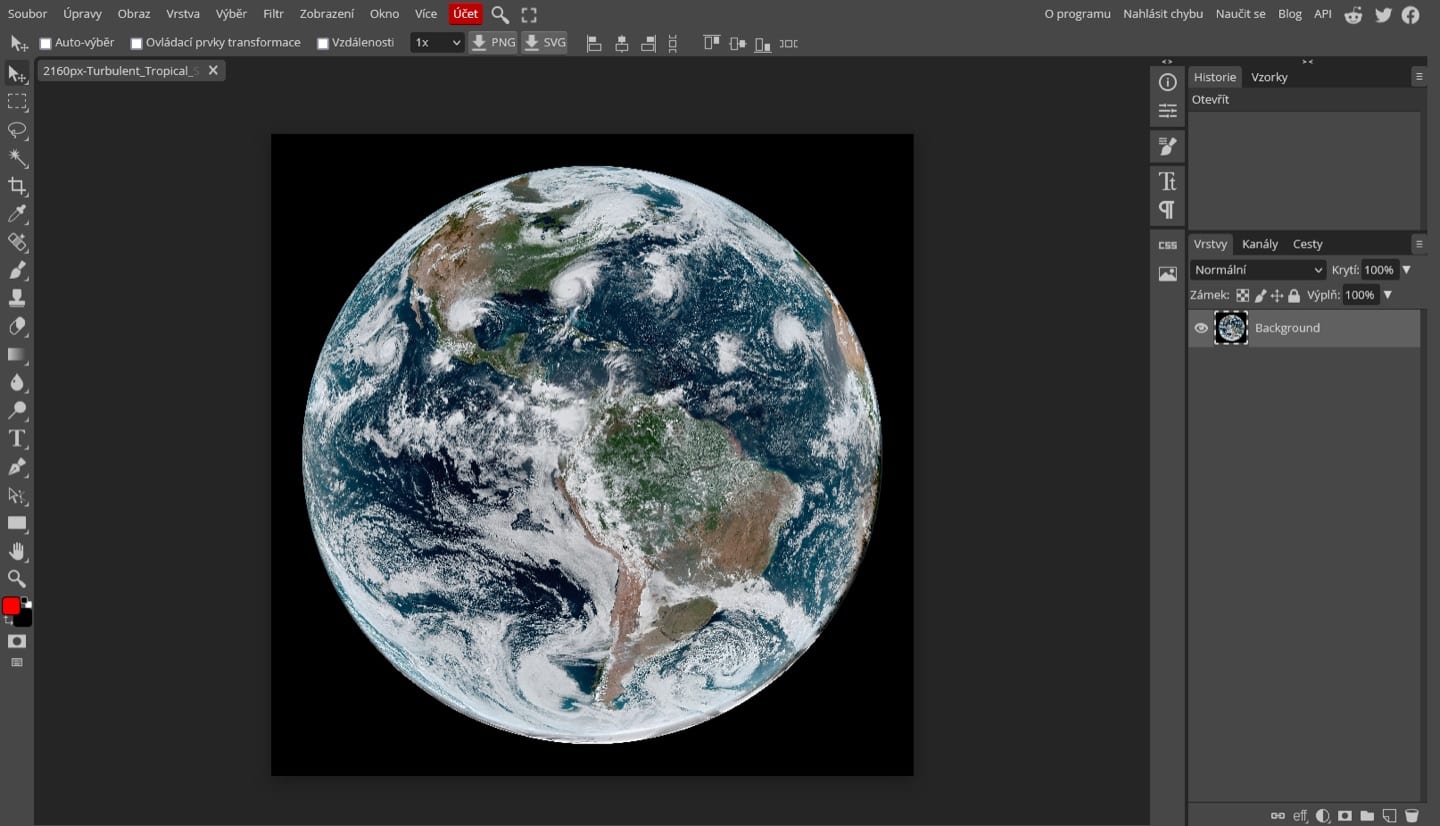
Photopea is an advanced image editor that runs entirely in the browser, built and maintained since 2013 by a single developer, Ivan Kutskir, in Prague. It mirrors the Photoshop workflow closely — layers, masks, smart objects, blend modes — and opens PSD, AI, Sketch, XD and RAW files natively, which makes it a practical drop-in for occasional professional work without installing anything.

Despite living at a URL, Photopea processes your images locally: the official documentation states that files are never uploaded to a server unless you explicitly choose to. The free tier is supported by ads, and a $5-per-month Premium subscription removes them while doubling history states. The trade-off for all this convenience is a proprietary, closed-source codebase with no published independent audit.

Alternatives to Photopea

See all 2 ›

Member reviews

LinkedIn-verified members

No reviews yet — be the first.

Sign in to write a review ›

Frequently asked questions

Is Photopea free?

Yes — the pricing listed at our last review is “Free · Premium $5/mo”.

Is Photopea safe to use?

Altapp's independent Trust Report (last full review Jul 17, 2026) shows 6/9 checks passed, covering source verification, data & permissions, and known risks. Verification reflects the version listed on this page.

Which platforms does Photopea run on?

Any modern browser · Chrome, Firefox, Safari, Edge.

What are the best Photopea alternatives?

GIMP, Krita — each with its own verified Trust Report on Altapp. See the full list ›

Information

Developer
Ivan Kutskir
Size
Category
Creative
Compatibility
Any modern browser · Chrome, Firefox, Safari, Edge
Languages
English +41 more
License
Proprietary
Country
Czech Republic
Latest Version
5.6 · April 2024