KeePassXC iconKeePassXCGet
KeePassXC icon

KeePassXC

Offline open-source password manager

KeePassXC Team · Security & Privacy

VerifiedFree
Get — Official Source

Link verified · points to the developer’s official site

See 3 alternatives ›

Rating

4.7

14 reviews · Capterra

Trust

8/9

checks passed · Jul 17, 2026

Platforms

1

macOS, Windows, Linux

Chart

#2

Security & Privacy

Trust Report

See Details ›

Independently checked by Altapp where possible; developer-reported data is labeled as such. Last full review: Jul 17, 2026.

Verified Source

Official builds are cryptographically signed and independently verifiable.

  • Every release ships with a PGP signature (.sig) and SHA-256 digest (.DIGEST) file
  • GitHub releases are signed with the team's published GPG key and marked verified
  • Full source code is public on GitHub under the GPL-3.0 license
  • Official distribution via keepassxc.org, GitHub releases, Flatpak, Homebrew and winget

Data & Permissions

A strictly offline application with no telemetry and no account requirement.

  • Zero telemetry — the app only contacts a server on explicit user request (per official privacy page)
  • No trackers or third-party analytics SDKs; desktop-only, so no Exodus mobile report applies
  • Update checks go to GitHub only, are optional, and can be disabled in settings
  • All data stays in a locally stored, encrypted KDBX database — nothing is bound to an identity

Known Risks

Independently audited, actively maintained, with a transparent security track record.

  • Independent audit by security consultant Zaur Molotnikov (Jan 2023, v2.7.4) found cryptographic protection sufficient
  • CVE-2023-35866 (local settings change without re-auth, CVSS 5.5) is disputed by the team as outside its offline threat model
  • No built-in cloud sync — protecting and backing up the database file is the user's responsibility
  • Active development with regular releases; latest version 2.7.12 shipped March 2026

Verification reflects the version listed above. Practices may change between releases. How we verify ›

Our verdict: the most trustworthy choice for anyone who wants full offline control of their passwords and is willing to manage syncing themselves.

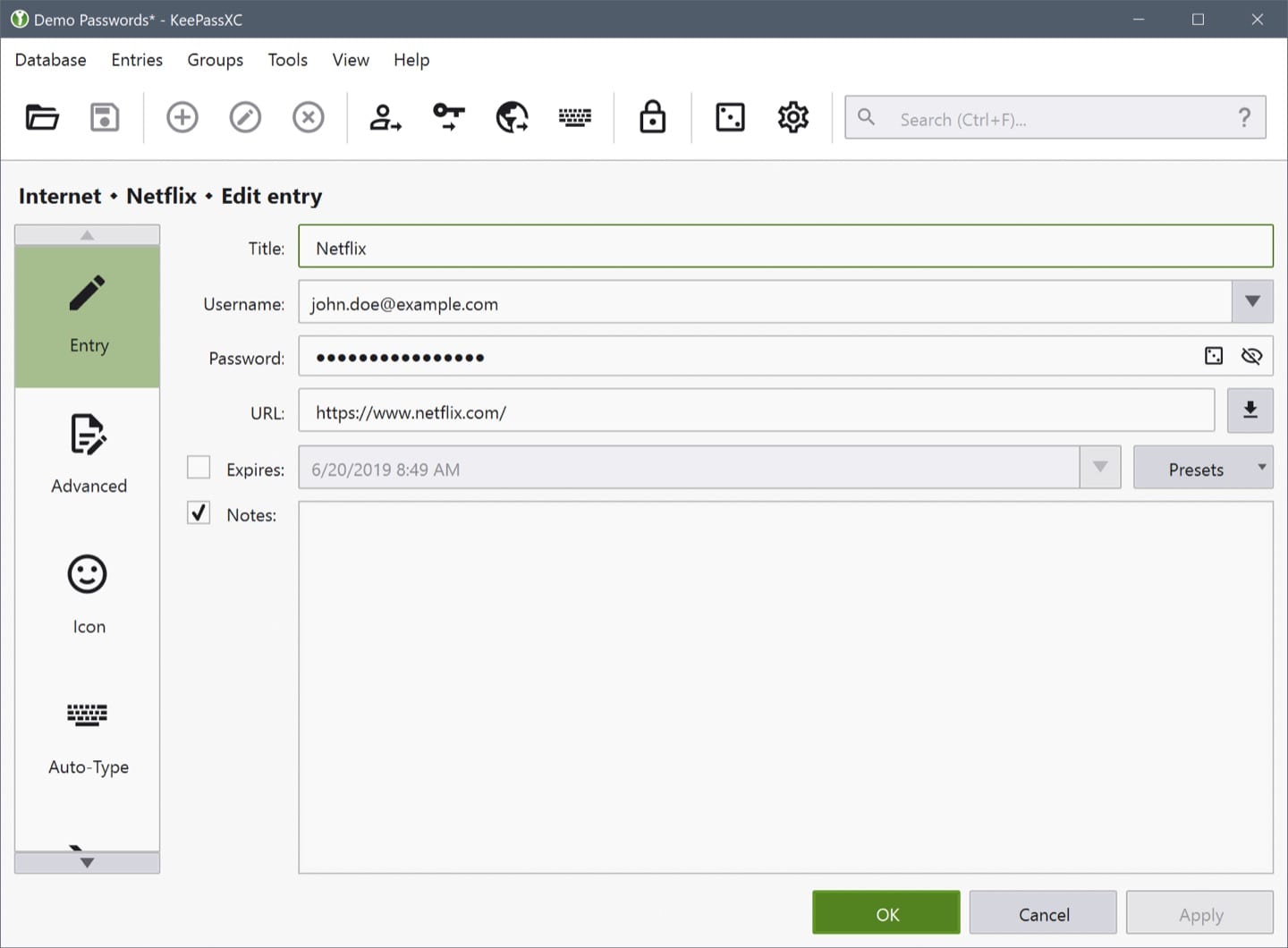
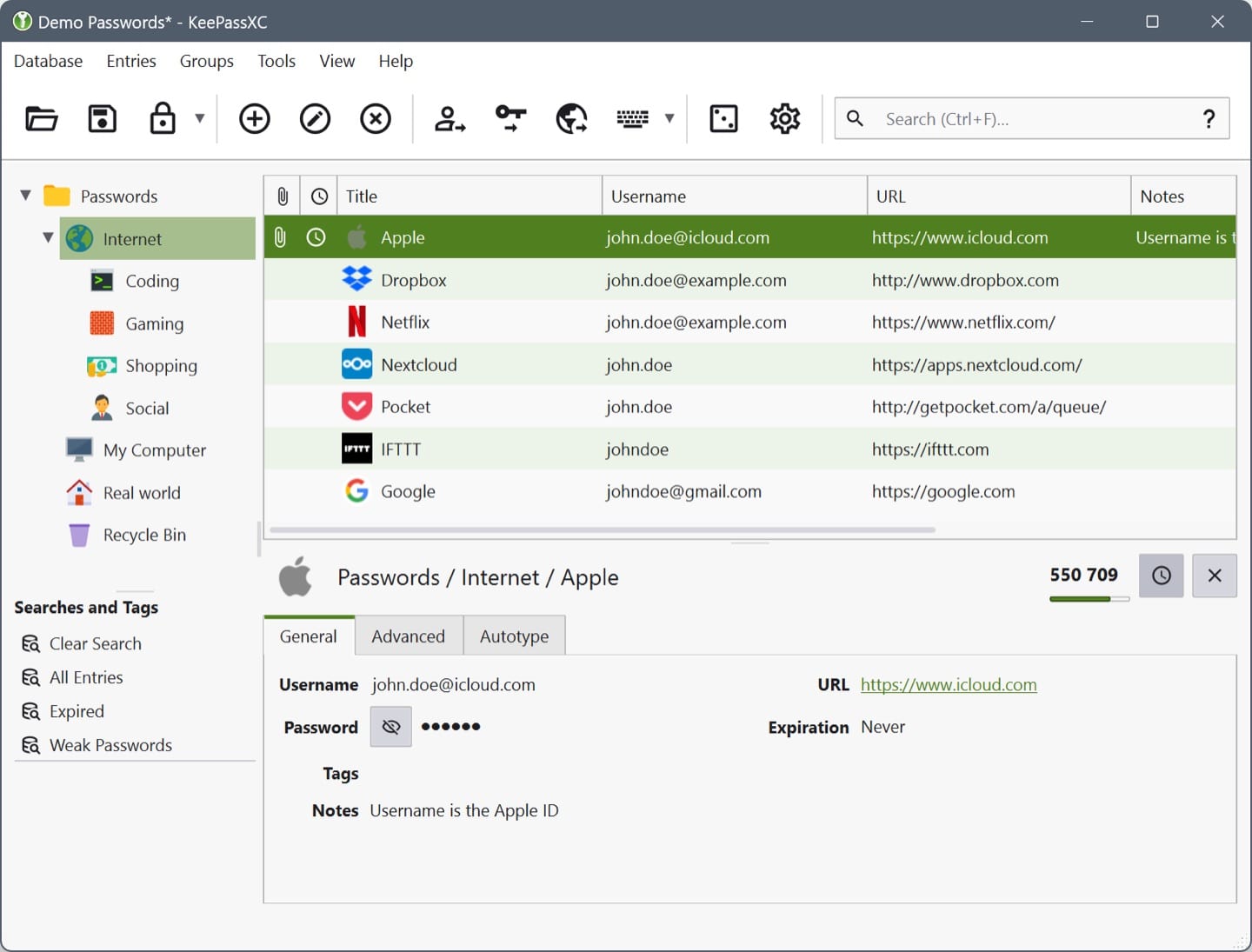
KeePassXC is a free, open-source password manager that keeps everything on your machine. Your credentials live in a single encrypted KDBX database file protected by a master passphrase, an optional key file, or a hardware key — there is no account to create and no company server holding your data. Built as a community-driven continuation of KeePassX, it runs natively on macOS, Windows and Linux with a consistent, polished interface.

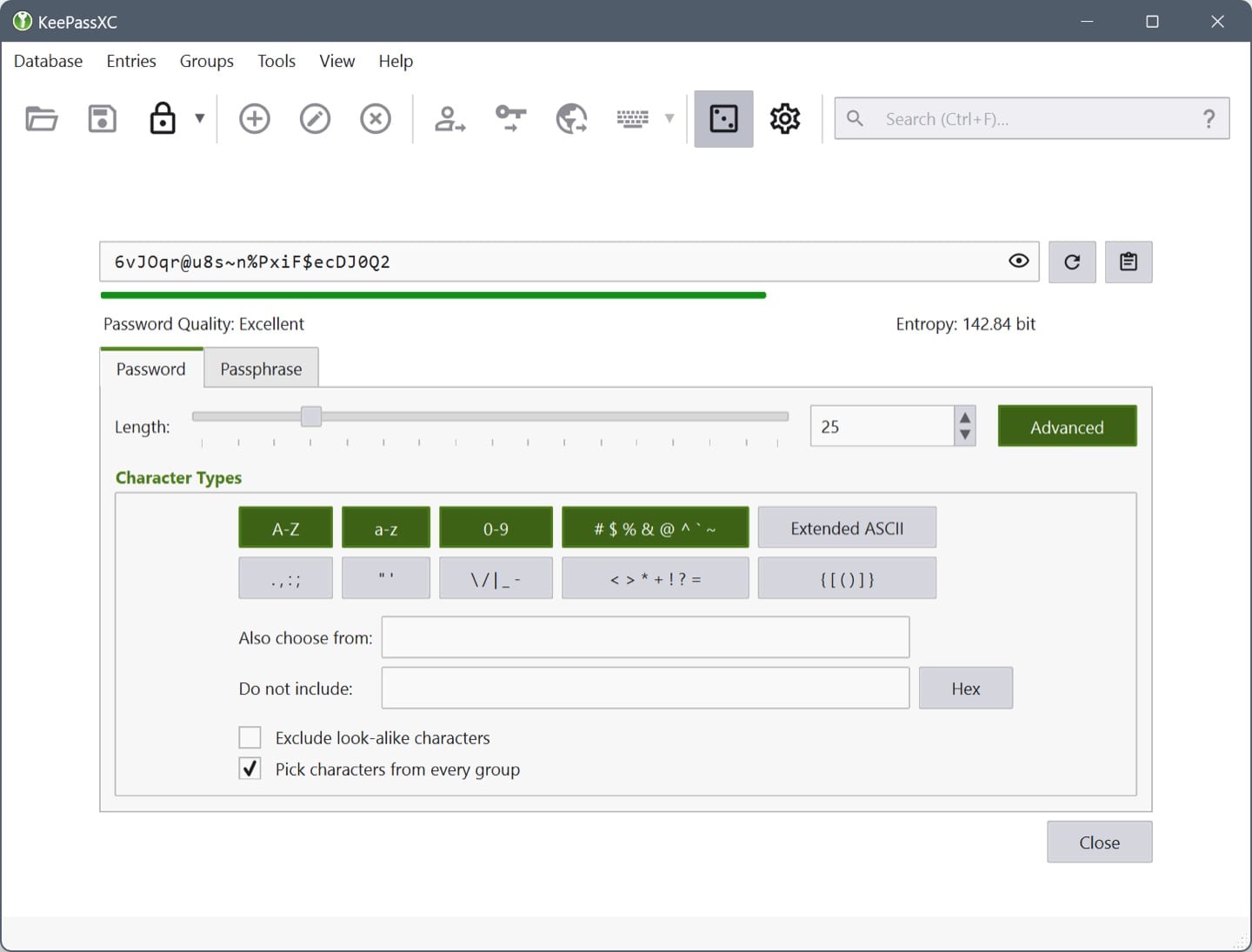
Beyond storage, KeePassXC covers the practical daily workflow: browser integration through the KeePassXC-Browser extension, Auto-Type for applications outside the browser, a built-in TOTP generator, passkey support, and SSH agent integration. Because the database is just a file, you decide how — or whether — it syncs across devices. An independent security audit in 2023 concluded the application provides sufficient cryptographic protection when used with a strong passphrase and the current database format.

Alternatives to KeePassXC

See all 3 ›

Member reviews

LinkedIn-verified members

No reviews yet — be the first.

Sign in to write a review ›

Frequently asked questions

Is KeePassXC free?

Yes — the pricing listed at our last review is “Free”.

Is KeePassXC safe to use?

Altapp's independent Trust Report (last full review Jul 17, 2026) shows 8/9 checks passed, covering source verification, data & permissions, and known risks. Verification reflects the version listed on this page.

Which platforms does KeePassXC run on?

macOS 12+ · Windows 10+ · Linux.

What are the best KeePassXC alternatives?

Bitwarden, Proton Pass, 1Password — each with its own verified Trust Report on Altapp. See the full list ›

Information

Developer
KeePassXC Team
Size
~35 MB
Compatibility
macOS 12+ · Windows 10+ · Linux
Languages
English +58 more
License
GPL-3.0
Country
Global (community project)
Latest Version
2.7.12 · March 2026

Developers: get the Altapp Verified badge ›