Inkscape iconInkscapeGet
Inkscape icon

Inkscape

Open-source vector graphics editor

The Inkscape Project · Creative

CheckedFree · open source
Get — Official Source

Link verified · points to the developer’s official site

See 2 alternatives ›

Rating

No public ratings yet

Trust

7/9

of nine checks verified · Jul 19, 2026

Platforms

1

Windows, macOS, Linux

Licence

GPL-2.0-or-later

Creative

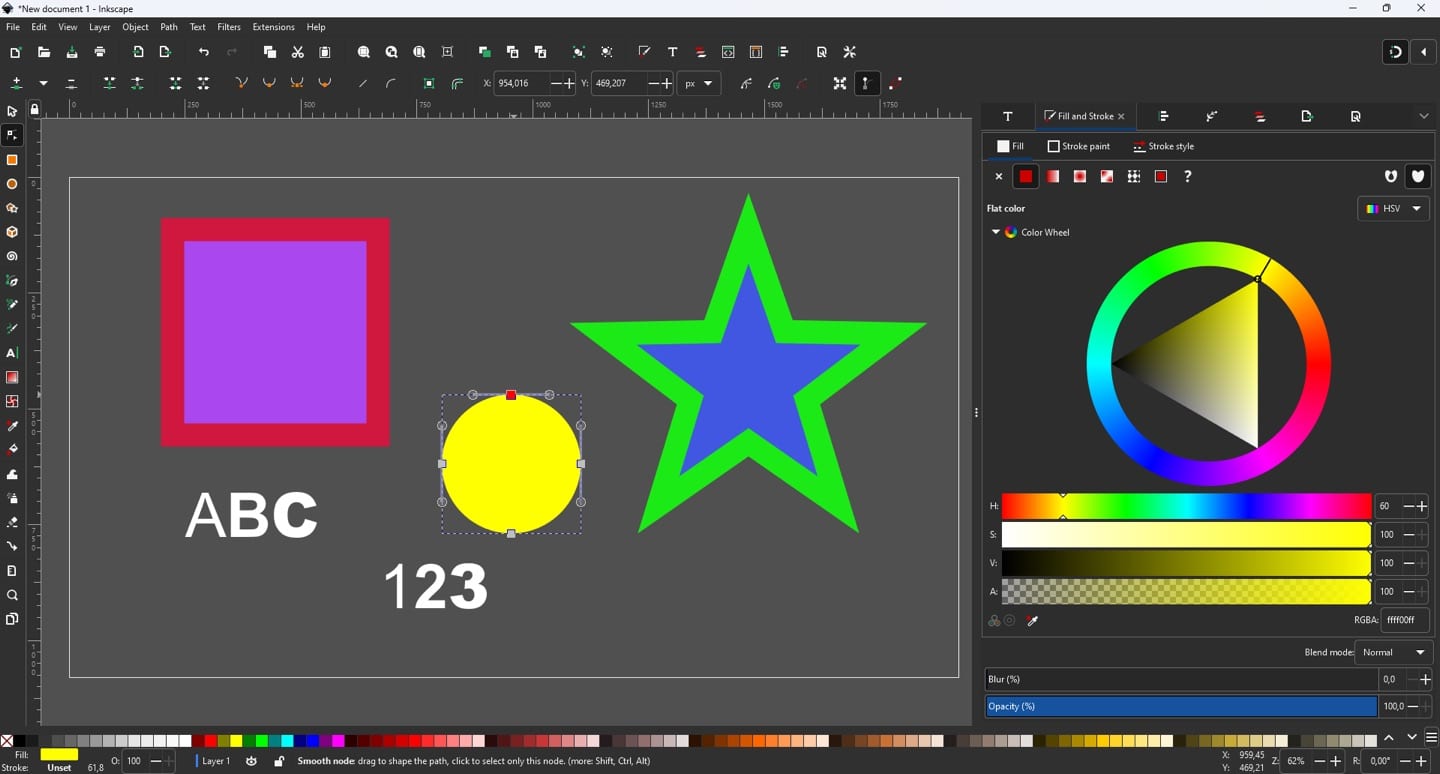
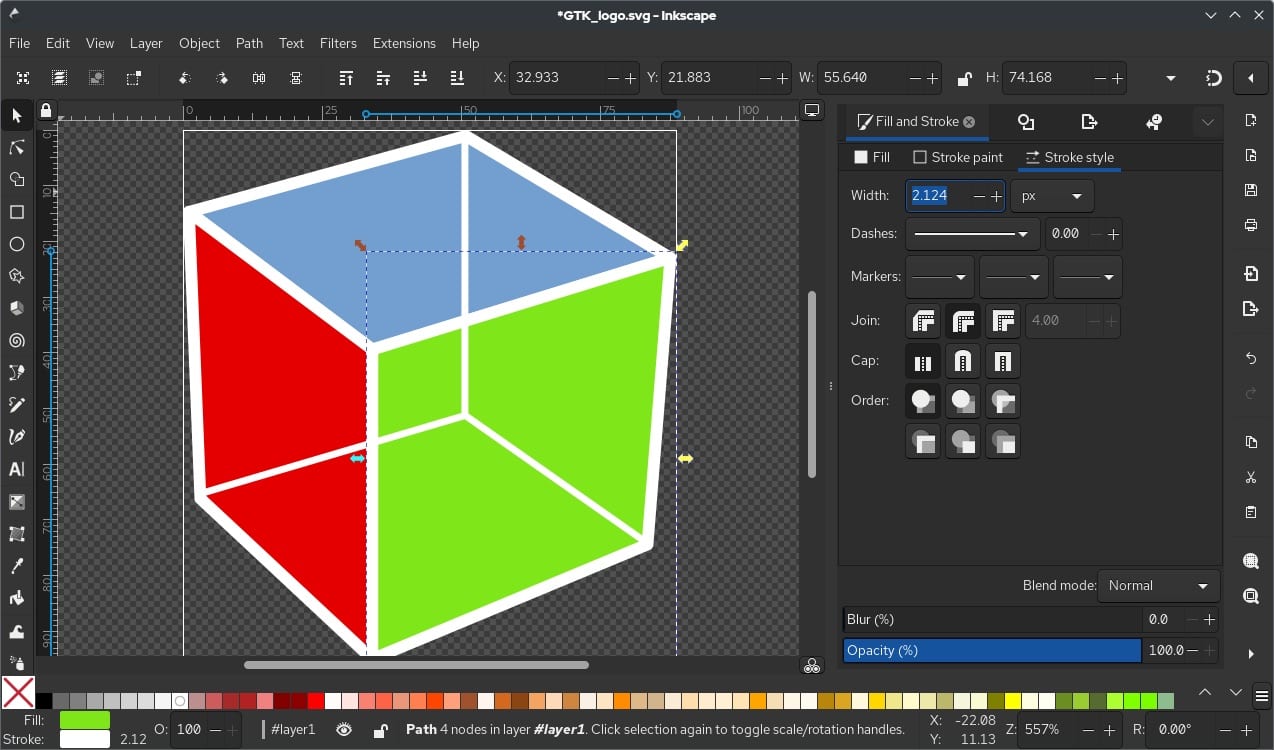
Inkscape screenshot 1 of 3
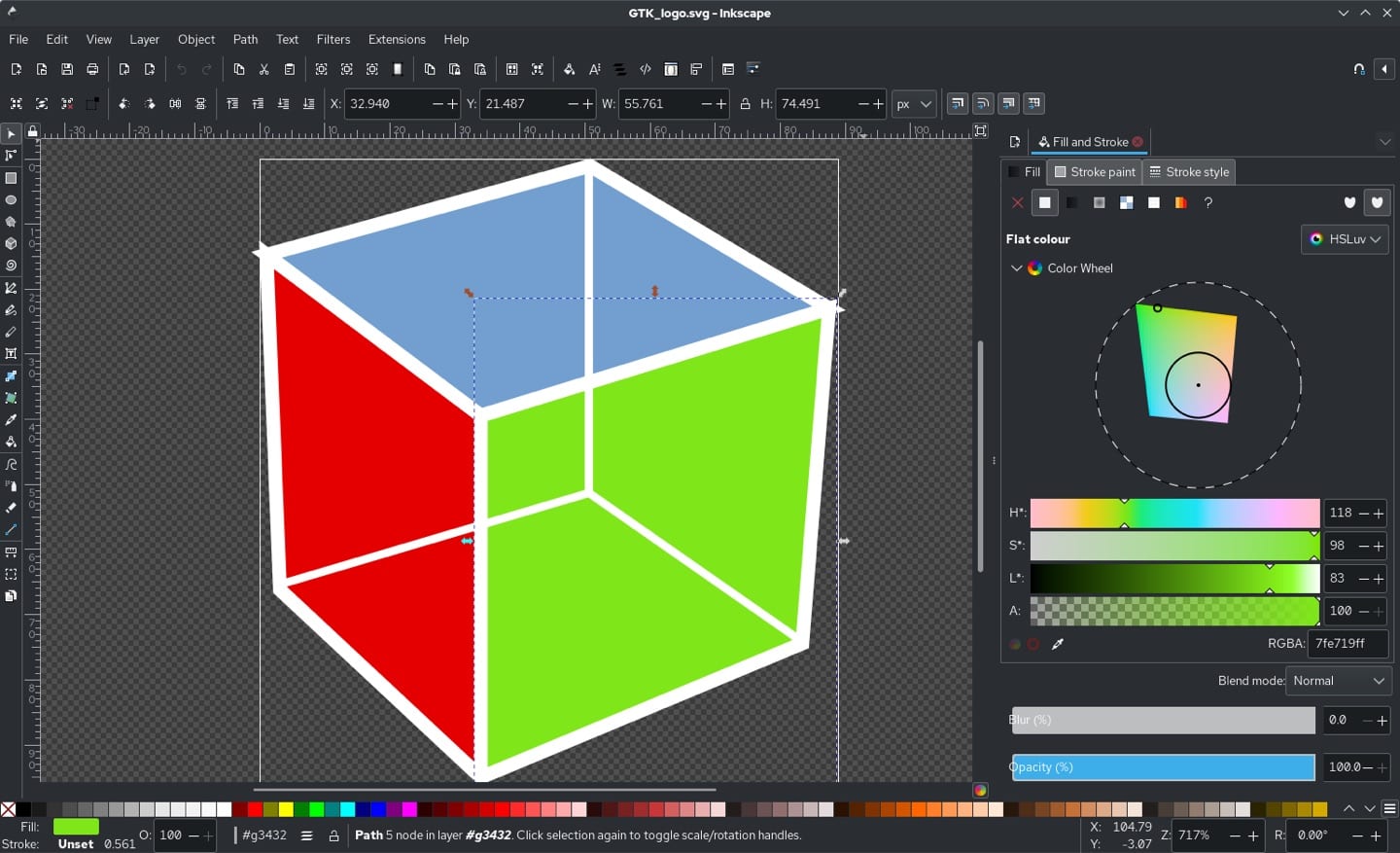
Inkscape screenshot 2 of 3
Inkscape screenshot 3 of 3

Trust Report

See Details ›

Independently checked by Altapp where possible; developer-reported data is labeled as such. Last full review: Jul 19, 2026.

Verified Source

Inkscape is fully open source, with all code published in a public repository.

  • Licensed GPL-2.0-or-later
  • Source published on GitLab under the inkscape group
  • Developed by The Inkscape Project, an international volunteer community
  • Uses the open W3C SVG standard as its native file format

Data & Permissions

Your work stays in local files and no account is required to use the app.

  • Files are saved locally in the open SVG format
  • No account or sign-in needed to install or use it
  • No telemetry in the desktop application
  • Free to use with no paid tiers or lock-in

Known Risks

A few caveats to weigh before relying on it.

  • We could not verify signed or notarized builds from authoritative sources
  • No known independent third-party security audit
  • Community-run project with no commercial support guarantee
  • The interface is powerful but has a steep learning curve

Verification reflects the version listed above. Practices may change between releases. How we verify ›

Our verdict: the leading free, open-source vector graphics editor — a genuine Illustrator alternative that keeps your work in local files and the open SVG format, with a learning curve to match its power.

Inkscape is a mature, free and open-source vector graphics editor for Windows, macOS and Linux — a genuine alternative to Adobe Illustrator. It handles illustration, logos, icons, diagrams and technical drawing using the open W3C SVG standard as its native file format, and is developed by The Inkscape Project, an international volunteer community.

Files are SVG-native and saved locally, with no account or sign-in required to install or use the app. It is highly capable — path and node editing, Boolean operations, bitmap tracing, Live Path Effects and Python extensions — but the interface is dense and has a real learning curve, and the project is community-run rather than backed by a commercial support team.
Alternatives to Inkscape

See all 2 ›

Member reviews

LinkedIn-verified members

No reviews yet — be the first.

Loading…

Frequently asked questions

Is Inkscape free?

Yes — the pricing listed at our last review is “Free · open source”.

Is Inkscape safe to use?

Altapp's independent Trust Report (last full review Jul 19, 2026) records 7/9 of nine checks verified, covering source verification, data & permissions, and known risks. Altapp publishes no score or grade of its own — the count is a tally of what could be independently confirmed, and verification reflects the version listed on this page.

Which platforms does Inkscape run on?

Windows · macOS · Linux.

What are the best Inkscape alternatives?

GIMP, Krita — each with its own verified Trust Report on Altapp. See the full list ›

Information

Developer
The Inkscape Project
Size
Category
Creative
Compatibility
Windows · macOS · Linux
Languages
90+ languages
License
GPL-2.0-or-later
Country
Latest Version
1.4.4 · May 2026