Cryptomator iconCryptomatorGet
Cryptomator icon

Cryptomator

Open-source encryption for cloud files

Skymatic GmbH · Security & Privacy

VerifiedFree (desktop) · mobile paid
Get — Official Source

Link verified · points to the developer’s official site

Rating

No public ratings yet

Trust

8/9

of nine checks verified · Jul 19, 2026

Platforms

2

Windows, macOS, Linux +2

Licence

GPL-3.0-or-later

Security & Privacy

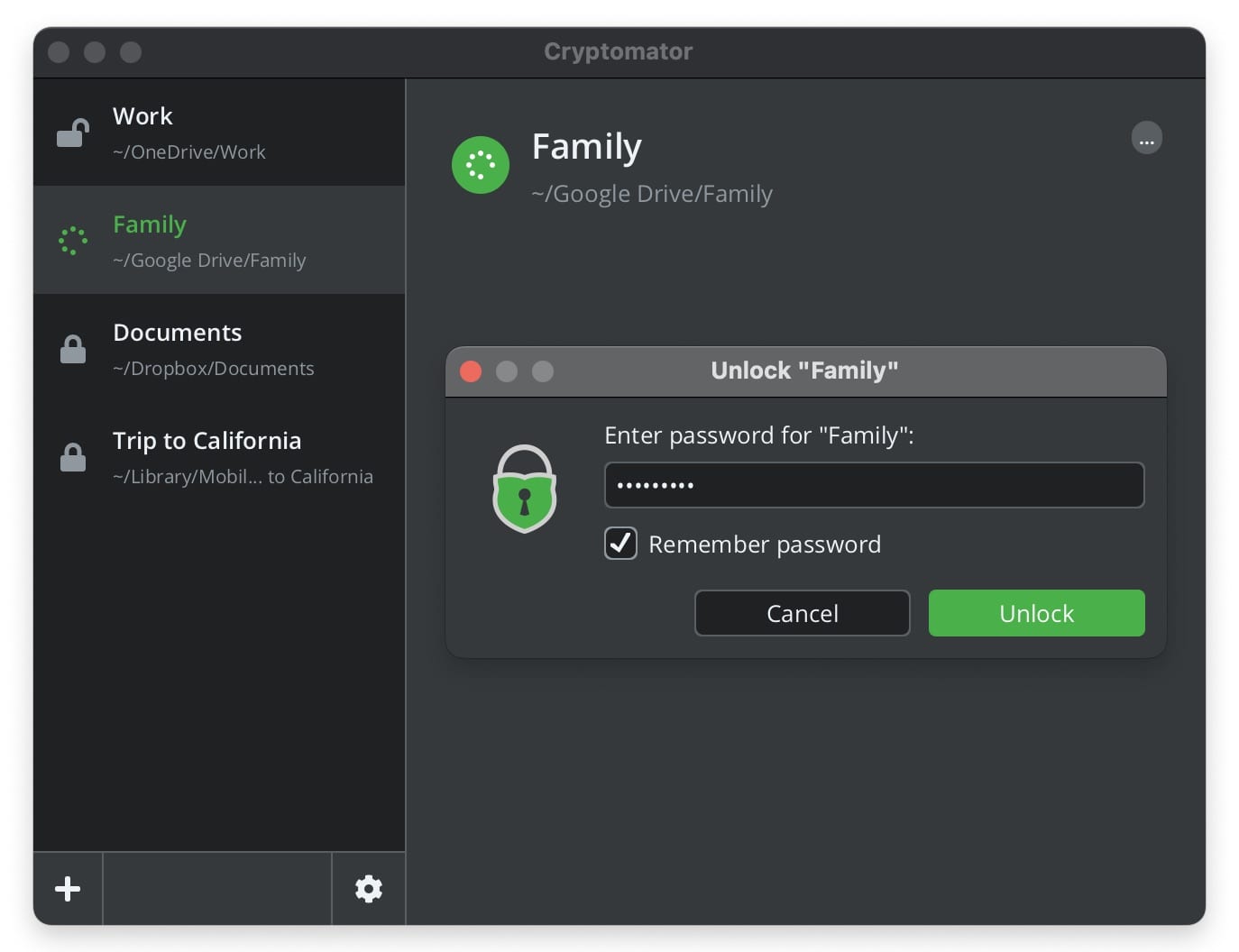
Cryptomator screenshot 1 of 3
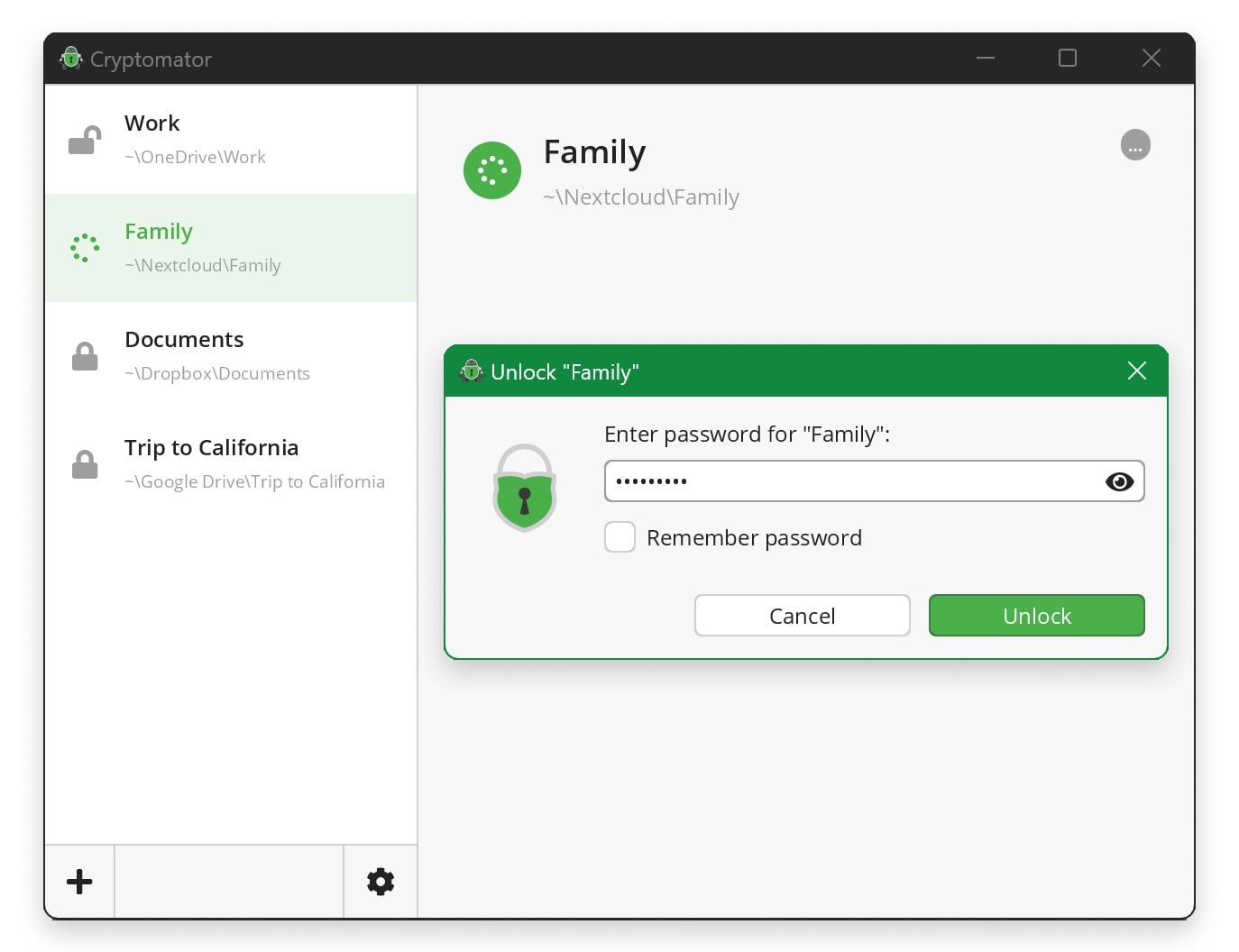
Cryptomator screenshot 2 of 3
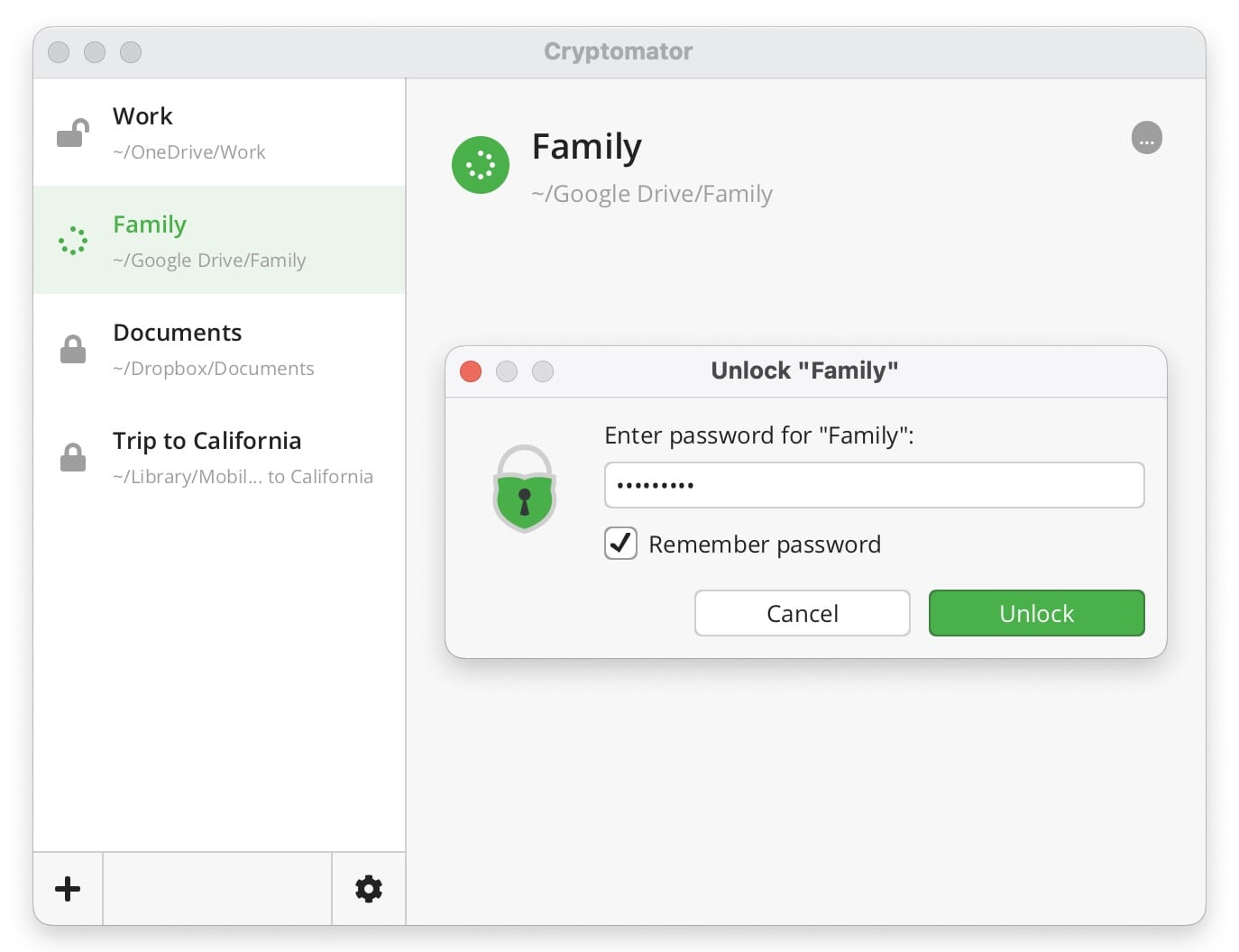
Cryptomator screenshot 3 of 3

Trust Report

See Details ›

Independently checked by Altapp where possible; developer-reported data is labeled as such. Last full review: Jul 19, 2026.

Verified Source

Cryptomator's apps are open source and its cryptography has been independently audited.

  • Licensed GPL-3.0-or-later (dual-licensed, with a separate commercial license)
  • Source published on GitHub under cryptomator
  • Core cryptography audited by Cure53 (public 2017 report)
  • Signed desktop builds

Data & Permissions

Files are encrypted on your device with a zero-knowledge design, and no account is required.

  • Client-side E2EE using 256-bit AES vault encryption
  • Zero-knowledge — no accounts and no data shared with any online service
  • Works with any cloud (Dropbox, Google Drive, OneDrive, Nextcloud, etc.); files stay in your own storage
  • Update checks send minimal data (OS/app version, IP) and can be disabled; error-log sharing is opt-in

Known Risks

A few caveats to weigh before relying on it.

  • Mobile apps (iOS/Android) require a one-time in-app purchase to unlock write access
  • You are responsible for your vault password — there is no recovery if it is lost
  • The public Cure53 audit dates to 2017; verify current coverage for later releases
  • No single meaningful download size is published across platforms

Verification reflects the version listed above. Practices may change between releases. How we verify ›

Our verdict: the most established open-source tool for adding zero-knowledge, AES-256 encryption on top of any cloud storage — a safe default when you want to keep your own keys.

Cryptomator adds client-side encryption on top of your existing cloud storage: it puts your files inside password-protected vaults that are encrypted with 256-bit AES before anything syncs, so your cloud provider only ever sees ciphertext. It runs on Windows, macOS, Linux, iOS and Android, and is developed by the German company Skymatic GmbH.

The design is zero-knowledge with no accounts required, and it works with any cloud such as Dropbox, Google Drive, OneDrive or Nextcloud. The desktop apps are free and open source under GPLv3, while the mobile apps are free but read-only until a one-time in-app purchase unlocks write access. Its core cryptography was independently audited by Cure53 (public 2017 report).
Member reviews

LinkedIn-verified members

No reviews yet — be the first.

Loading…

Frequently asked questions

Is Cryptomator free?

Yes — the pricing listed at our last review is “Free (desktop) · mobile paid”.

Is Cryptomator safe to use?

Altapp's independent Trust Report (last full review Jul 19, 2026) records 8/9 of nine checks verified, covering source verification, data & permissions, and known risks. Altapp publishes no score or grade of its own — the count is a tally of what could be independently confirmed, and verification reflects the version listed on this page.

Which platforms does Cryptomator run on?

Windows · macOS · Linux · iOS · Android.

Where can I find Cryptomator alternatives?

Browse the Security & Privacy category on Altapp for verified options.

Information

Developer
Skymatic GmbH
Size
Compatibility
Windows · macOS · Linux · iOS · Android
Languages
English
License
GPL-3.0-or-later
Country
Germany
Latest Version
1.19.3 · Jun 2026

Developers: get the Altapp Verified badge ›